

Fresh pages, always
The latest entries

The newest pages in the global community journal: every beer here was added by someone like you, logged from a real beer that they got from a real brewery, someplace in the world that you might be able to visit.



346 beers journaled so far, growing every day — browse every entry
From pour to page
How a beer becomes an entry
I.
Scan a label
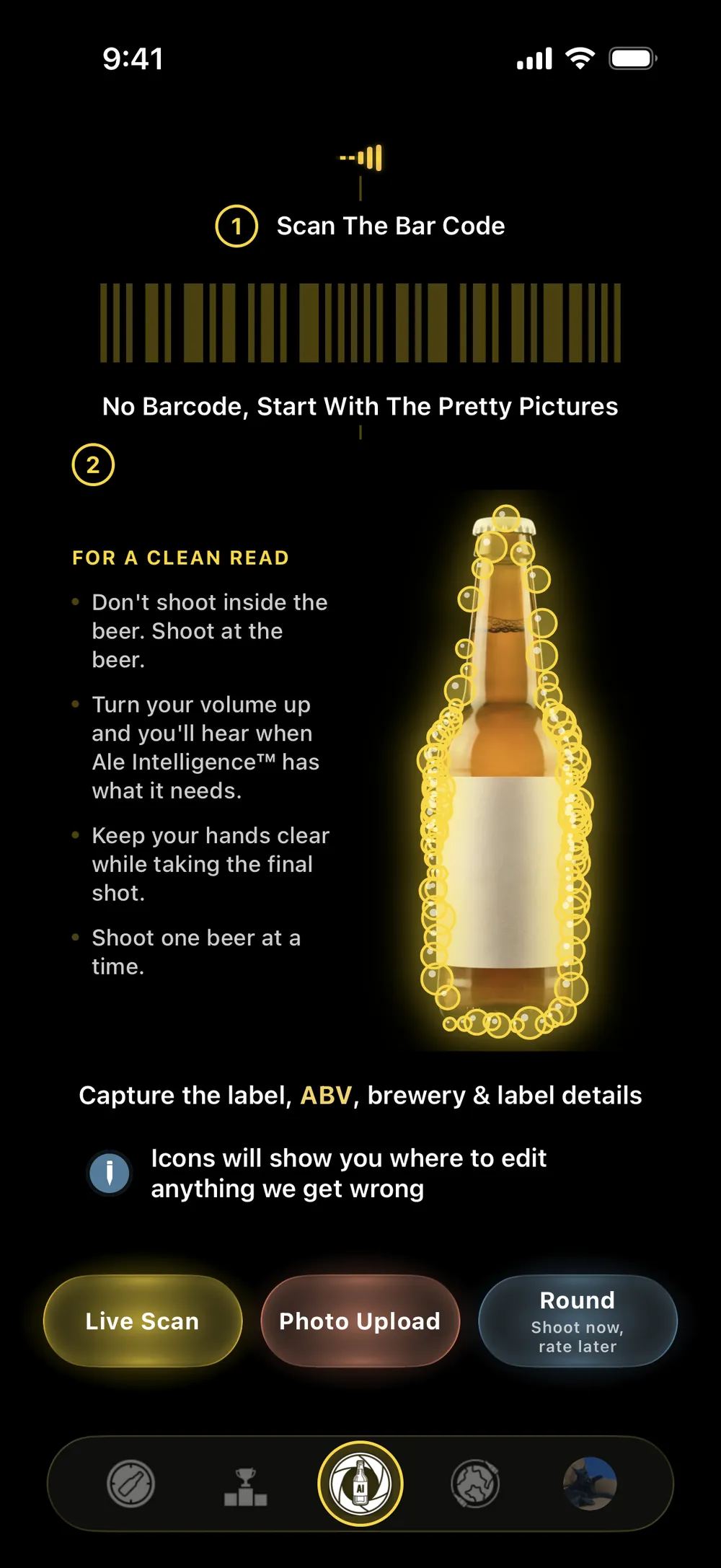
Point your camera at any label or barcode — bottle or can, the app takes it from there.
II.
Ale Intelligence™ reads it
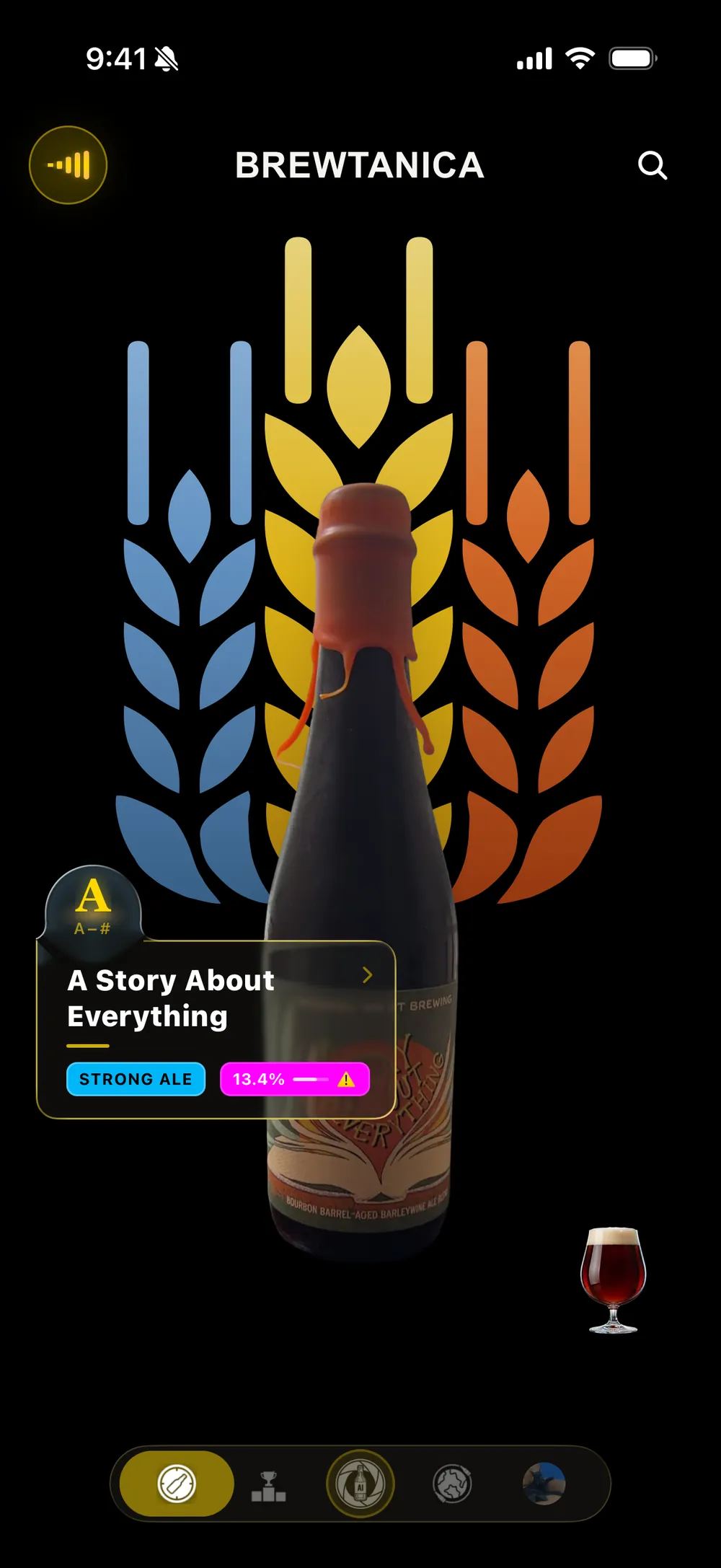
Name, brewery, style, ABV — read straight from the label in seconds, while you pour.
III.
Ale Intelligence™ verifies it
Every entry is checked against real label data before it earns a place in the record.
IV.
The community benefits
Every entry makes BREWTANICA™ more useful for the next person exploring the same beer.
V.
A beer is saved
Your entry is published to the world. You are given credit for discovering this beer.




Beer merch to honor the moment.
Every entry earns its badge
Each style you log pushes you up a nine-tier ladder — from your first Amber hop to a crowned, one-of-a-kind Malt badge bearing your own likeness. Rare finds and first discoveries count for more.
“Non-alcoholic IPAs present a particular challenge: capturing the bold, aromatic qualities of traditional hoppy ales without fermentation’s typical depth. Momentum’s take reflects the growing craft interest in alcohol-free brewing as a distinct category rather than a simple reduction.”
Authored by Ale Intelligence™ — on every entry
Your concierge to everything beer lovers have built inside BREWTANICA™ — and every beer you’ve logged.
Inside the app
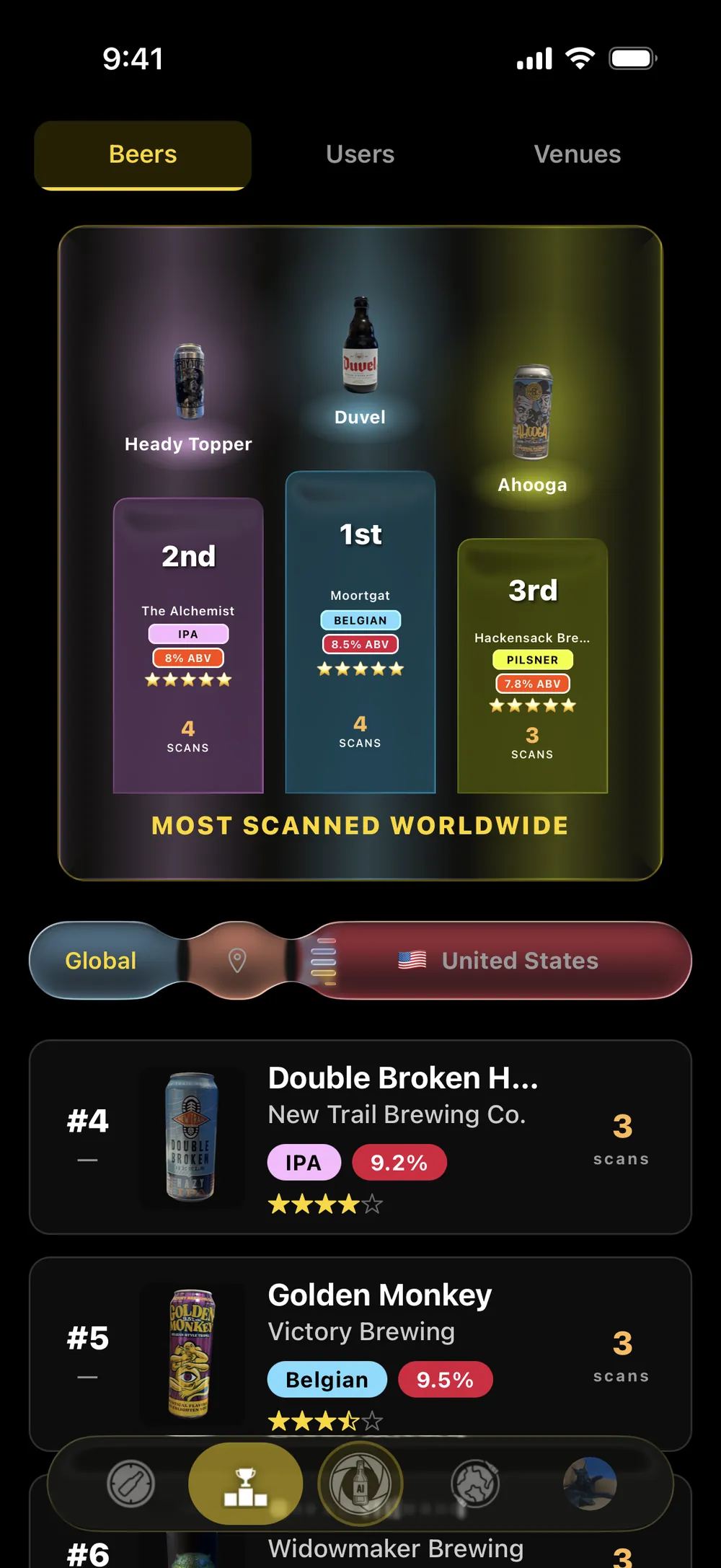
Capture the culture in every container
(That is not a yeast joke. LOL!)
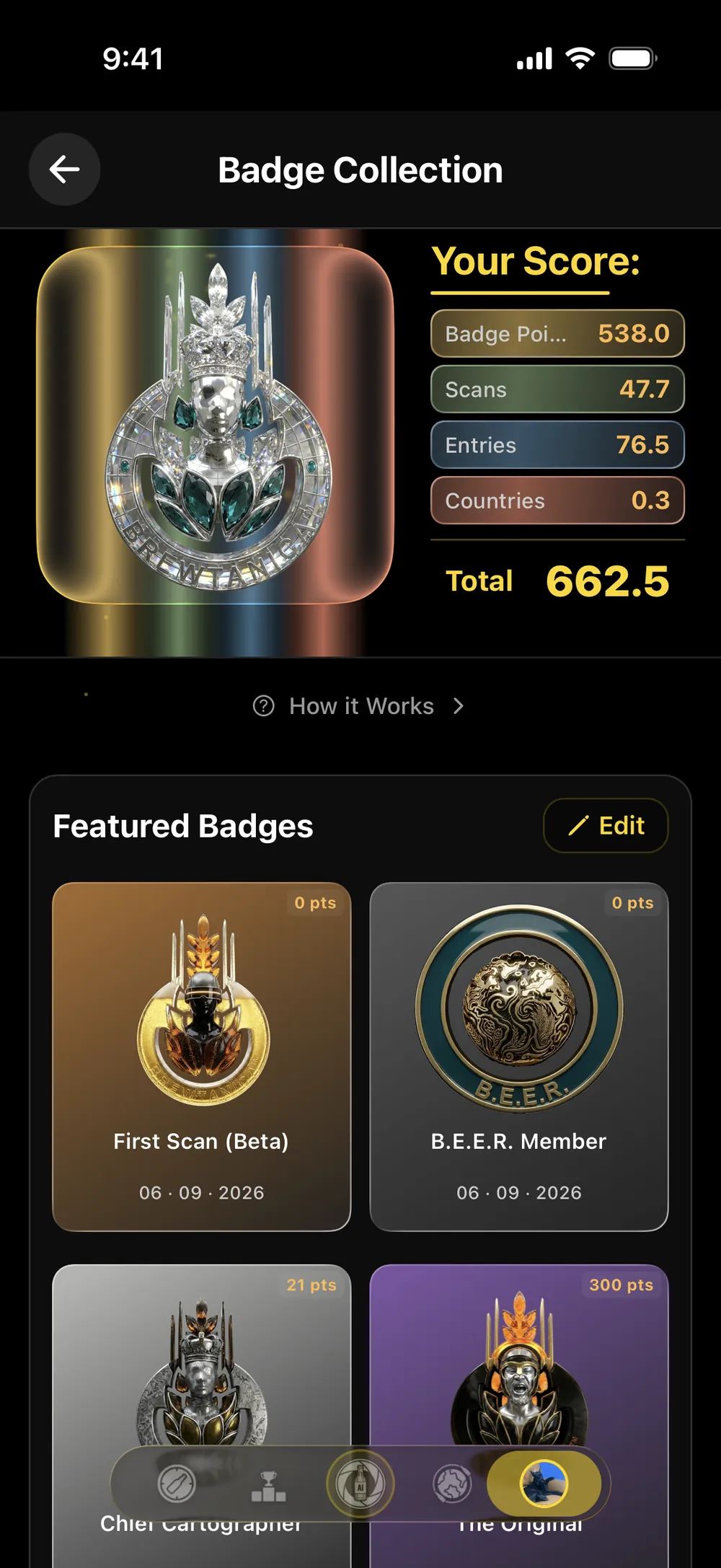
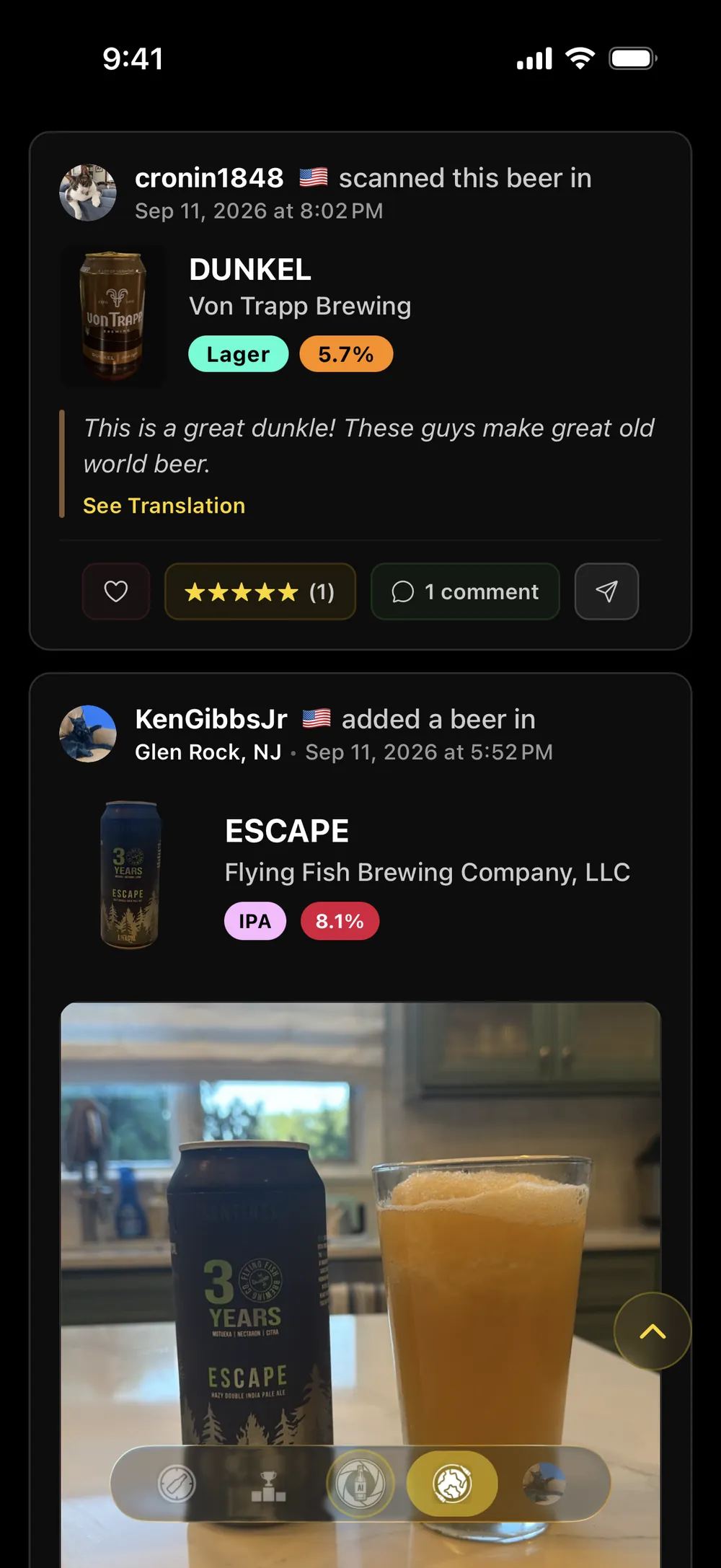
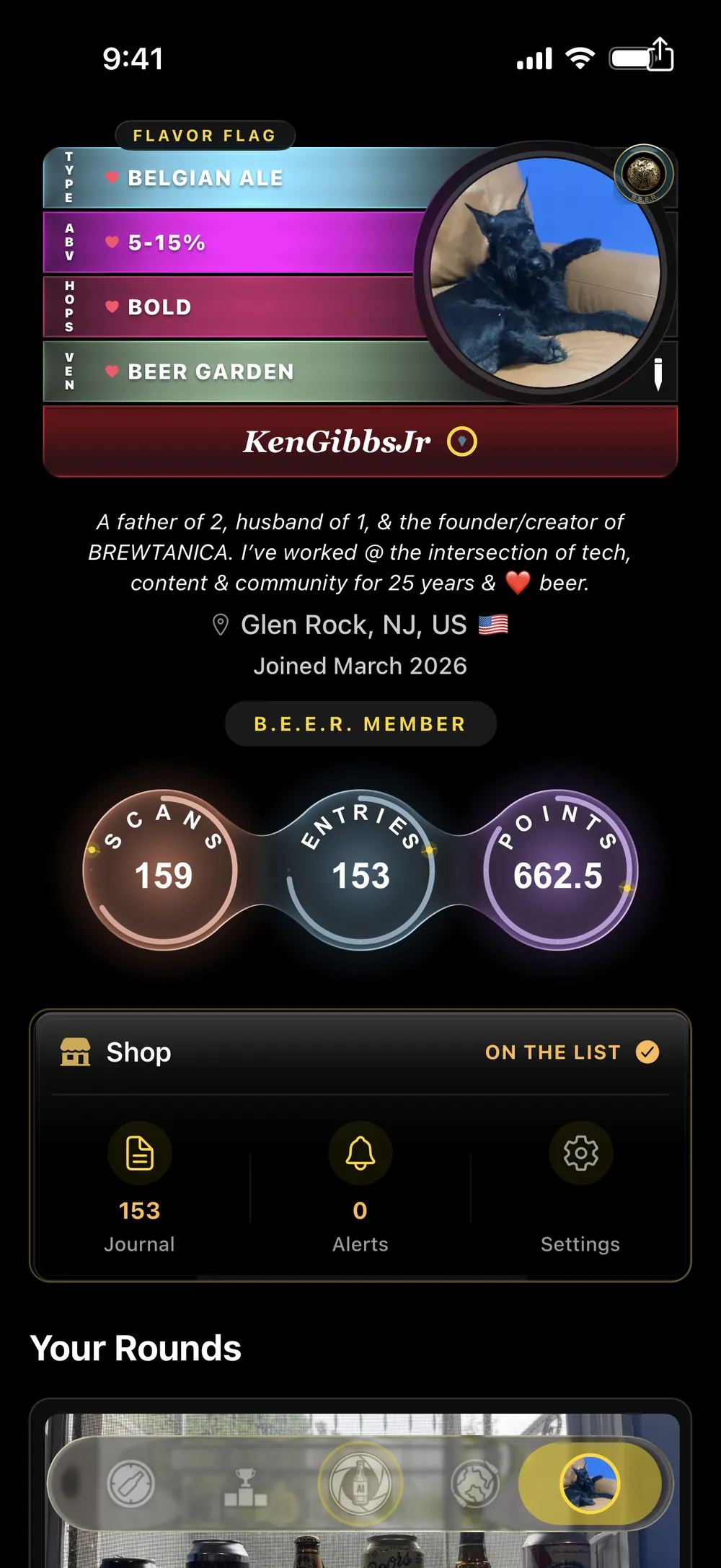

Your BREWTANICA™ starts here
BREWTANICA™ is in open BETA on Apple TestFlight, free to join. One tap on your iPhone and you’re logging your first entry.
BREWTANICA installs through Apple’s TestFlight app. Two steps:
Install TestFlight first. Get it free on the App Store. It’s Apple’s own app — BREWTANICA can’t install without it.
Come back here and tap Join the BETA. Then tap Accept, then Install. Opening TestFlight on its own won’t show the beta — it only appears once you’ve followed the invite.
Already installed TestFlight and it’s empty? That’s expected — the beta isn’t there yet. Come back to this page and tap Join the BETA to add it.
TestFlight should never ask you for a code. If it does, you’ve opened the app on its own instead of following the invite. There’s no code to enter — come back here and tap Join the BETA.
Reading this inside Instagram or LinkedIn? Open the page in Safari first — other apps’ browsers can’t hand off to TestFlight.
iOS 16+ · Free · Sign in with Apple or Google · No password required
For Breweries
Your beers, in your words.
Claim your brewery, publish exclusive descriptions straight onto your beers’ pages, manage your venues, and see how beer lovers around the world discover you.