
Inside the app
Six screens. One record of every beer you meet.
The website is the encyclopedia. BREWTANICA™ the app is where you scan, rate, check in, collect and compete. Pick a screen to see how it works.
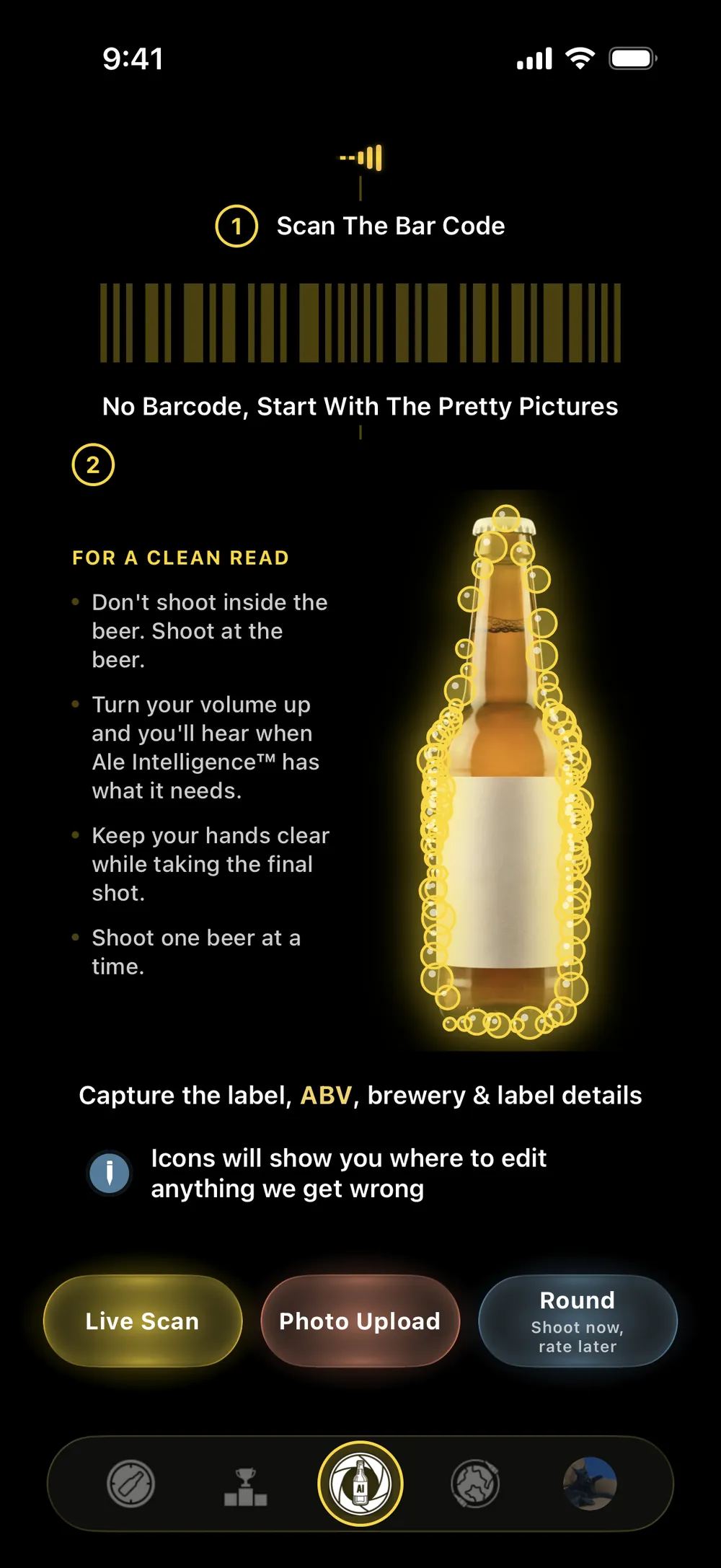
Scan
Your camera is your spreadsheet now.
See how it works
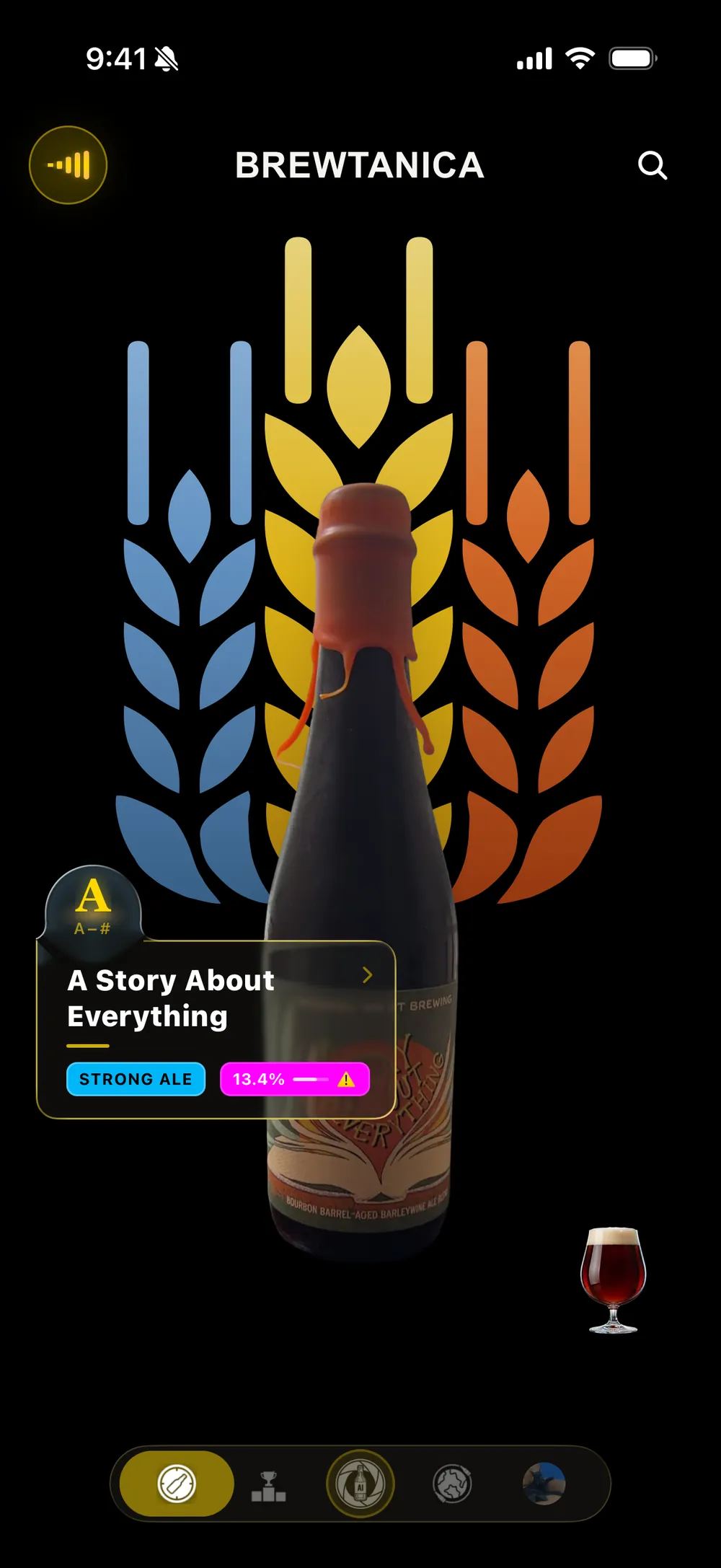
Discover
Scroll through the beers of the world, opened by Today’s Draft™.
See how it works
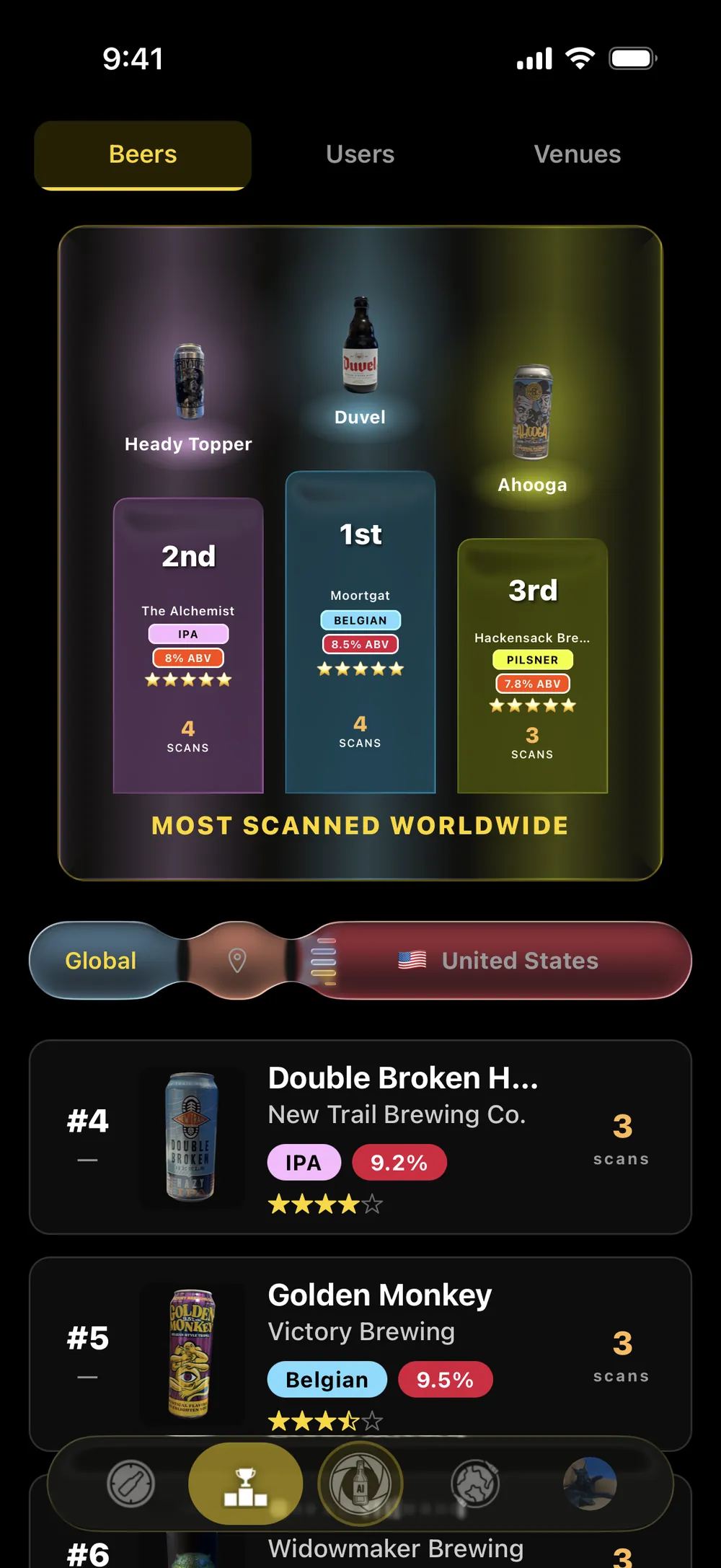
Leaderboard
Top beers, users and venues on a podium, worldwide and near you.
See how it works
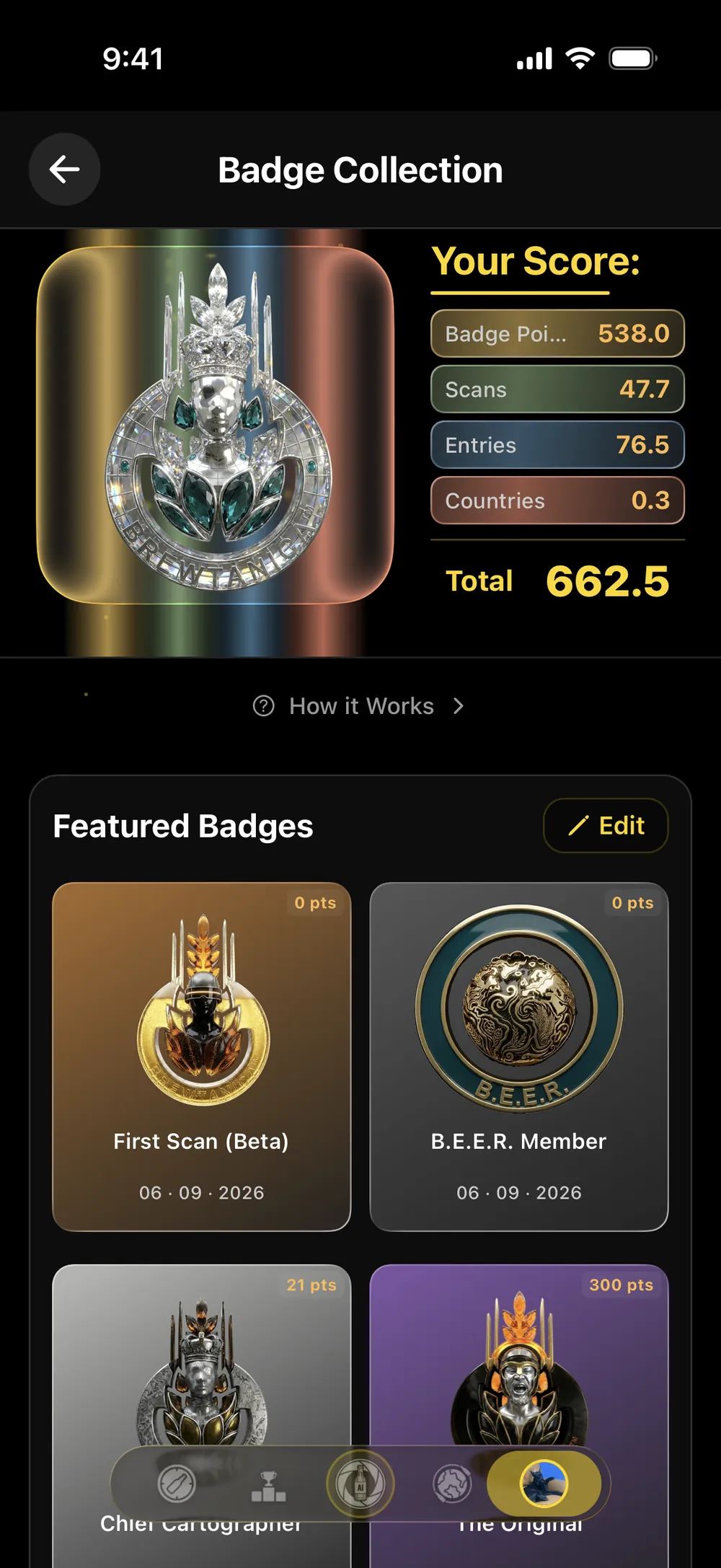
Badges
Nine volume tiers, Pioneer firsts, and pattern badges you cannot grind.
See how it works
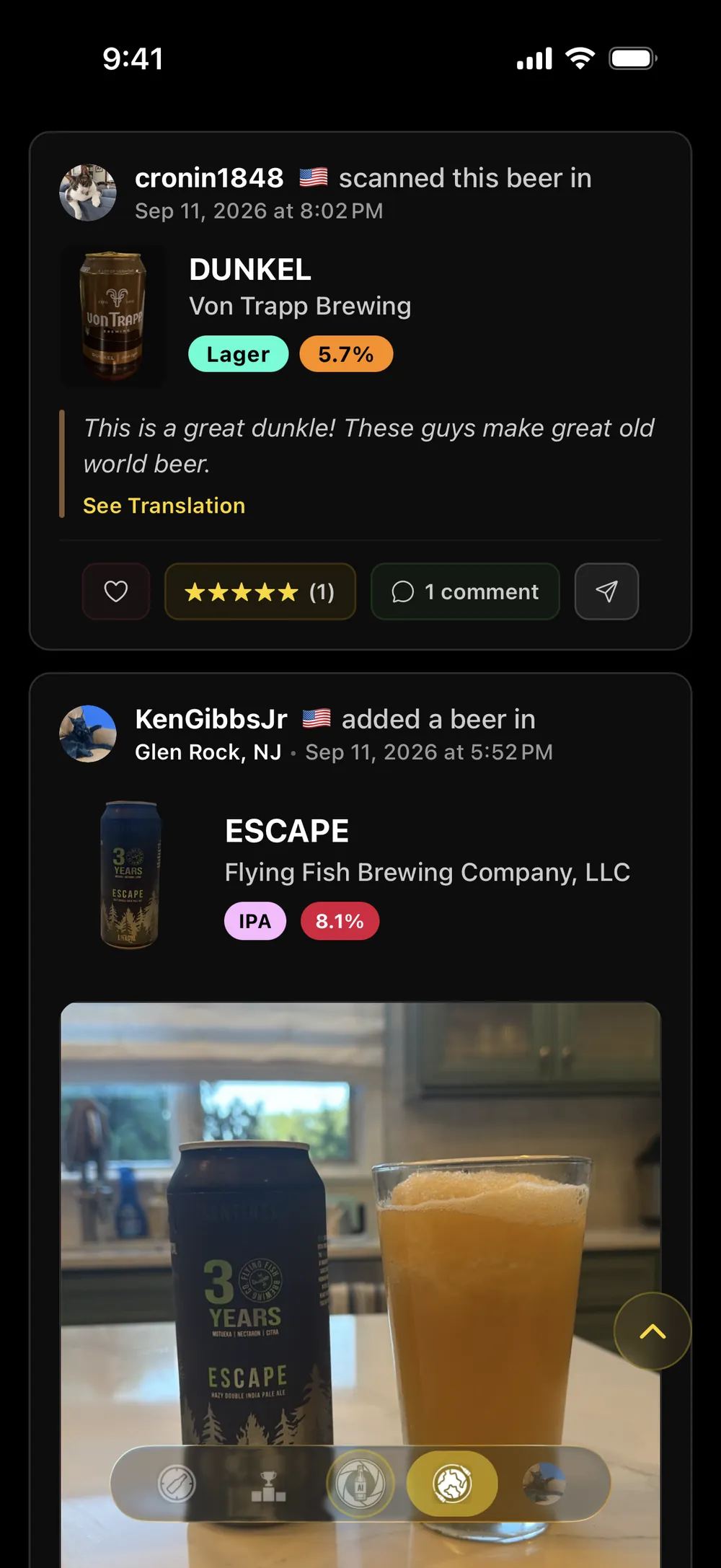
Activity
What beer lovers are finding right now, with Ale Intelligence™ commentary.
See how it works
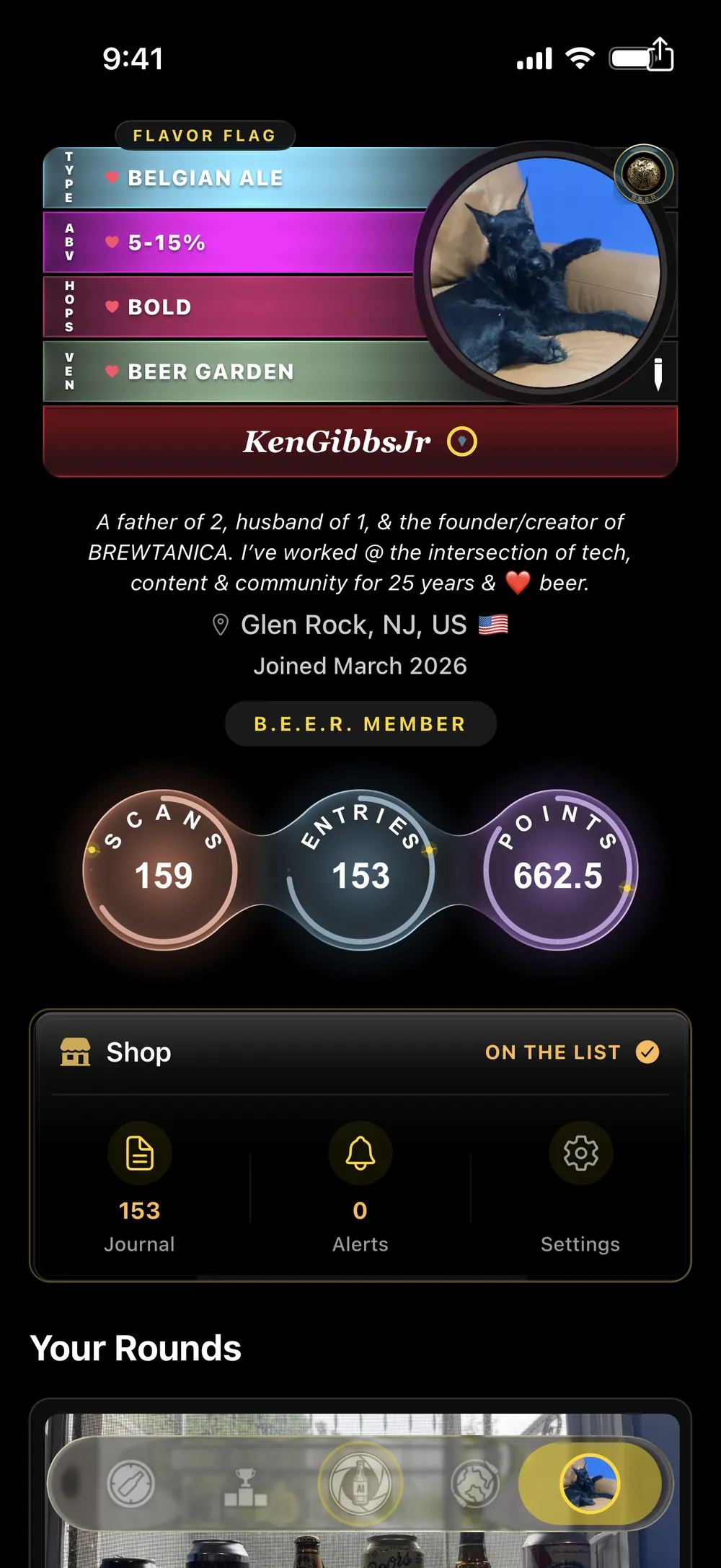
Profile
Your journal, your flavor flag, your score. The record of your exploration.
See how it works
Get the app to see it for yourself
Get the AppBREWTANICA installs through Apple’s TestFlight app. Two steps:
Install TestFlight first. Get it free on the App Store. It’s Apple’s own app — BREWTANICA can’t install without it.
Come back here and tap Get the App. Then tap Accept, then Install. Opening TestFlight on its own won’t show the beta — it only appears once you’ve followed the invite.
Already installed TestFlight and it’s empty? That’s expected — the beta isn’t there yet. Come back to this page and tap Get the App to add it.
TestFlight should never ask you for a code. If it does, you’ve opened the app on its own instead of following the invite. There’s no code to enter — come back here and tap Get the App.
Reading this inside Instagram or LinkedIn? Open the page in Safari first — other apps’ browsers can’t hand off to TestFlight.